

Blog, Page and Post: What’s the Difference?
Blog, Page and Post: What’s the Difference? What Is It?
If you’ve spent any time building or reading websites, you’ve probably heard the words blog, page, and post thrown around quite a bit. Like everybody already knows what they mean. The explanations didn’t help much either. Ask three people what a blog is and there’s a pretty good chance you’ll get three different answers. One person will tell you a blog is an online diary. Another will tell you it’s an article. Somebody else will tell you it’s an entire website. The really annoying part is that none of them are necessarily wrong. So let’s make this simple.
A page is usually a permanent part of a website. Home, About, Contact, Books, Services, and Privacy Policy are all good examples. Pages give a website its basic structure. They aren’t normally tied to a particular date, and you don’t keep replacing them with newer pages every week. You might update a page when something changes, but otherwise it stays put and does its job.
Think about walking into a store. The customer service desk, checkout counter, restrooms, and different departments all have permanent locations. You don’t come back Tuesday and discover that customer service has been replaced by somebody’s thoughts about lawn mowers. A website page works much the same way. Visitors learn where things are and expect to find them there the next time they visit.
The Home page is probably the easiest example. It introduces the website and helps people decide where to go next. An About page explains who or what is behind the site. A Contact page tells visitors how to reach somebody. A Privacy Policy explains how information is handled. Those pages may change over time, but their purpose remains pretty much the same.
Pages are also what normally make up the main navigation menu at the top of a website. When you see choices such as Home, About, Books, Contact, or Services, you are usually looking at links to pages. Some of those menu choices may open dropdown menus containing even more pages. Together they create the basic framework of the website.
Then we have posts. A post is an individual piece of content published on a website. It might teach something, answer a question, share an opinion, report an experience, explain a new idea, review something, or just tell an interesting story. Unlike most pages, posts are usually connected to the time they were published. A website may have five permanent pages and hundreds or even thousands of posts.

This is where I used to get confused. If I wrote 1,500 words explaining the history of something, it sure looked like a page to me. It had a title. It had paragraphs. It had pictures. Maybe it even had a video. What exactly made that different from a page? The answer isn’t the length or what it looks like. It is the job the content is doing.
A permanent About section belongs on a page because it is part of the structure of the website. An article called “How Artificial Intelligence Is Changing Search” makes more sense as a post because it is one piece of continuing content. Next week there might be another post about a new AI tool. A month later there could be one about search engines. Those articles can keep coming without changing the basic structure of the website.
Posts also have something pages generally don’t need: categories. Categories are simply a way to organize related posts. If a website publishes articles about artificial intelligence, books, history, technology, and photography, dumping all of those articles into one giant pile would get messy pretty fast. Categories create separate shelves for them.
That is probably the easiest way to think about categories. Imagine walking into a bookstore where every book was thrown into one enormous room with no organization whatsoever. Mysteries are mixed with cookbooks. Children’s books are sitting beside computer manuals. History books are buried under romance novels. The books are all there, but good luck finding anything. Categories put signs over the shelves. Now a visitor interested in technology can go directly to Technology. Somebody interested in publishing can go to Publishing. Someone looking for history doesn’t have to dig through fifty articles about artificial intelligence to find what they want. The posts haven’t changed. We have simply organized them.
This also explains why posts work so well for websites that continue to grow. You don’t have to keep adding another permanent item to the main navigation every time you write something. Imagine a website with 300 articles and all 300 titles stuffed into the menu at the top of the screen. You would need binoculars and a lunch break just to find Contact. Instead, the permanent pages create the structure, categories organize the subjects, and posts provide the growing collection of information inside them.
Then we finally get to blogs, the word that caused most of the confusion in the first place. A blog isn’t necessarily one particular kind of article. The word is used much more loosely than that. A blog can mean the section of a website where posts are collected. It can mean the collection of posts itself. Sometimes people call an individual post a blog, even though “blog post” would technically be a clearer description. An entire website built mostly around regularly published articles can also be called a blog. No wonder people get confused.
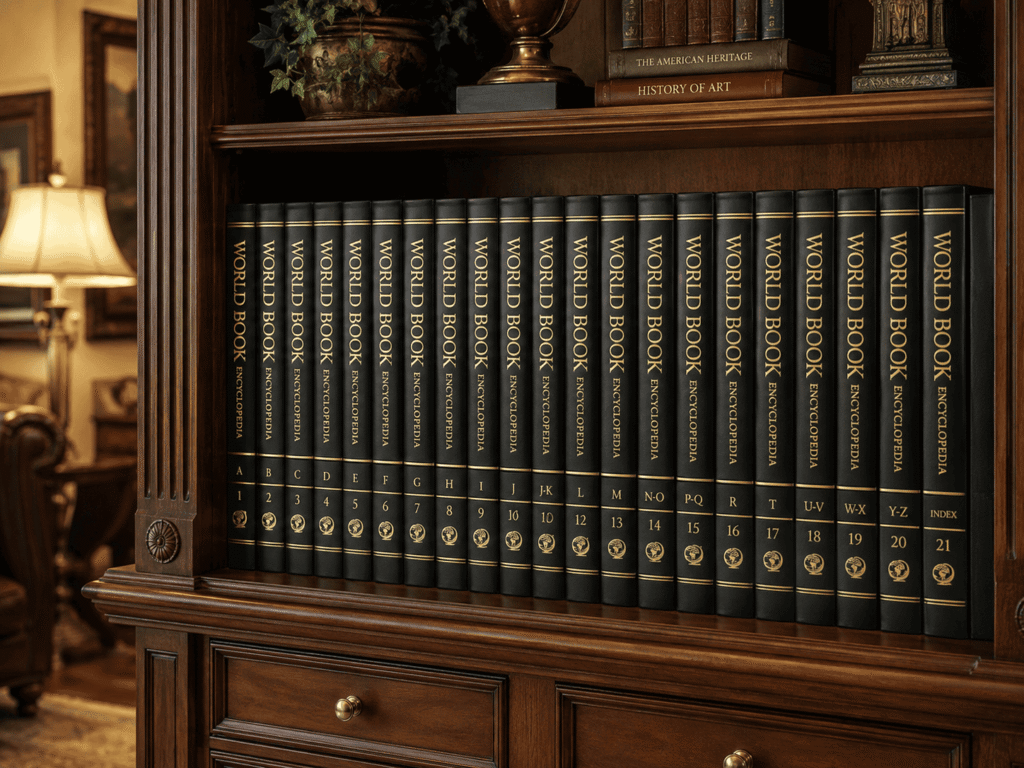
The easiest explanation I’ve found is this: the blog is the bookshelf, and the posts are the individual books sitting on it. It isn’t technically perfect for every possible website on Earth, but it gets the idea across.
Suppose you run a gardening website. You might have permanent pages called Home, About, Contact, and Gardening Resources. Those create the basic website. Then you start writing articles called “When to Plant Tomatoes,” “How Much Water Do Roses Need?” and “Five Vegetables That Grow Well in Containers.” Those are posts. Together, that growing collection of gardening posts becomes the blog. Now suppose you organize those posts into categories called Vegetables, Flowers, Trees, and Gardening Tools. A visitor can browse the entire blog or go directly to the category that interests them. Suddenly the whole mess starts making sense.
The funny thing is that none of this really matters to somebody casually reading a website. A visitor doesn’t normally stop and wonder, “Am I currently reading a WordPress page or a WordPress post?” They click something interesting and read it. If the website is built well, they may never notice the difference. The distinction matters much more to the person building the site.
Choosing between a page and a post determines how that content fits into the rest of the website. It can affect where the content appears, how it is organized, whether it shows up in category listings, how readers discover related material, and how easily you can manage everything when the site becomes much larger. This is why making everything a page can eventually become a problem. At first it seems perfectly reasonable. You write an article, create a page, put the article on it, and you’re done. Do that five times and nothing terrible happens. Do it fifty times and you start building a filing cabinet with no folders.
Posts were designed to solve that problem. They can be sorted automatically by date. They can belong to categories. They can use tags. A website can automatically display the newest ones. Category pages can automatically gather related posts. Older articles don’t disappear just because you published something new.
This is also why the word post shouldn’t make you think of Facebook, Instagram, or X. When most of us hear “post” today, we think of social media. Somebody posts a picture of their dog, complains about traffic, shares a video, or tells the entire planet what they ate for lunch.
A website post can be much more substantial. It might be 500 words or 5,000 words. It can contain photographs, videos, charts, links, and other information. A post isn’t defined by being short. It is defined by how it fits into the website.
The same thing goes for a blog. Blogs aren’t just personal diaries anymore. They certainly can be. Somebody traveling around the country in an RV might keep a blog about the trip. A parent might write about raising children. A musician might write about recording an album.
But businesses use blogs too. So do universities, authors, technology companies, museums, publishers, nonprofit groups, and news organizations. They use them because posts provide an easy way to keep adding useful information without rebuilding the permanent parts of the website every time something new is published.

There is another reason posts are useful: they give people a reason to come back. Your Contact page probably isn’t going to become exciting next Thursday. Hopefully your Privacy Policy doesn’t have a thrilling new chapter every week. Permanent pages aren’t supposed to work that way. Posts can. A website might publish something new every day, every week, twice a month, or whenever there is actually something worth saying. A reader who enjoyed one article can return later and find another. Over time, the website becomes more than a digital business card. It becomes a library.
Search engines can discover those new posts too. Every useful article gives a website another possible way to be found. Someone who has never heard of the site may search for a question, find one post that answers it, and enter the website through that article instead of through the Home page. That was another idea that took me a while to appreciate. We tend to think everybody enters a website through the front door. They don’t.
A search engine might drop somebody directly into a post buried three levels deep inside the site. A friend may send them a link. They might find an article through social media, a video description, an email, or an AI assistant. For that visitor, the post is the front door. That means a good post should make sense even when the reader hasn’t seen the rest of the website yet. They should be able to understand what they’re reading, find related information if they want more, and easily figure out where they are.
This is where links between pages and posts become useful. A post about one subject might naturally mention something explained in another post. Link them together. A permanent page might introduce a broad subject and then point readers toward several posts that explore parts of it in more detail. Categories can gather all of those related posts in one place. Now the website isn’t just a collection of separate documents. Things begin connecting. That is good for readers because they can follow the subjects that interest them. It also helps search engines understand how the information on the site is related.
None of this means every thought deserves its own post. The internet has enough junk already. A post should have a reason to exist. Maybe it answers a question. Maybe it teaches something. Maybe it shares an experience that could help somebody else. Maybe it introduces a new idea or starts a conversation. It doesn’t need to change civilization, but it should give the reader something for the time they spent reading it.
The same rule applies to length. There isn’t some magical number of words that turns a post into a good post. If the answer takes 600 words, write 600. If a subject needs 2,000, use 2,000. Stretching a simple answer into four thousand words because somebody said Google likes long articles is a pretty good way to make readers hate you. Say what needs to be said. Then stop.
Once you understand the jobs these three things perform, deciding what to create becomes much easier. If the information is a permanent part of the website’s structure, it is probably a page. If it is a new article or piece of continuing content, it is probably a post. When those posts are collected together, you’re looking at the blog.
There will always be exceptions because websites can be built a thousand different ways. WordPress doesn’t send the police if you make something a page that somebody else thinks should be a post. The important thing is having a structure that makes sense for your website and for the people using it.
That’s really what all of this comes down to. Pages build the website. Posts keep it growing. Categories keep the posts organized. The blog gives readers a place to find them. Once somebody finally explains it without assuming you already know what the words mean, the whole thing isn’t nearly as complicated as it sounded.